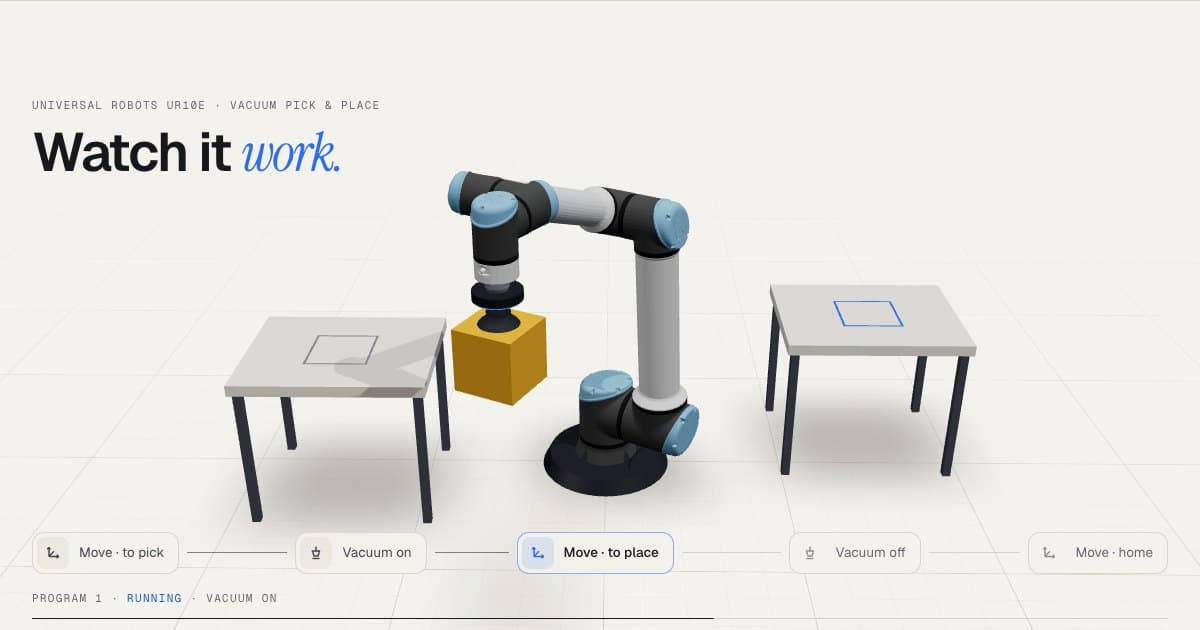
3D desktop platform
RoboViewer
A desktop platform for robot simulation and offline programming: design a 3D workcell, import CAD, configure robots and peripherals, and test a program before it ever touches hardware.
- Client
- Orangewood Labs
- Role
- Software Developer
- Year
- 2025 — Ongoing
- Live
- roboviewer.orangewood.co
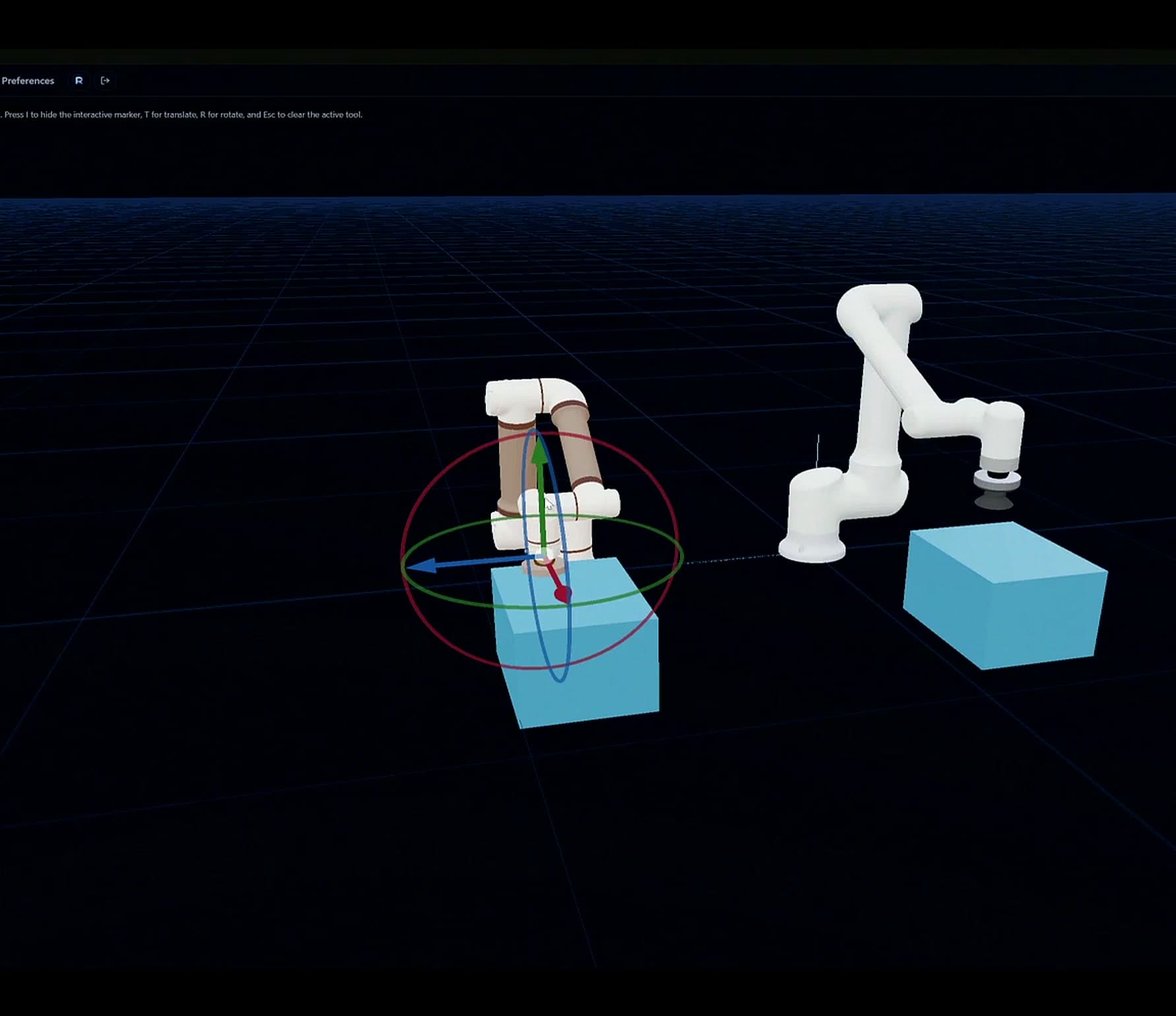
- Workcell design
- 3D
- Same program, real robot
- Sim → Real
- Visual programming
- Node
01The challenge
Programming an industrial robot usually means standing next to it with a teach pendant. Every change costs floor time, and mistakes are found on real hardware where they are expensive.
02The approach
RoboViewer moves that work to the desk. Engineers lay out a full cell in 3D, import CAD for parts and fixtures, wire up conveyors, grippers and IO, then build programs with a node graph and run them in simulation. When it works, the same program runs on the physical robot.
03 What I built
- 01
3D workcell editor
Three.js scene with robots, conveyors, feeders and imported CAD models that can be positioned, configured and animated.
- 02
Node-based programming
A visual graph for motion, gripper and IO steps, so programs can be built and read without writing robot code.
- 03
Sim-to-real execution
Real-time communication between the simulated program and the physical robot so a tested program can be run on hardware.
- 04
Pose and asset libraries
Saved poses, joint states and reusable scene assets that teams can export, share and re-import.
04 Stack